Close the window, keep the work
A background daemon owns every pane; the window only draws them. Close it and your agents carry on.

Every agent in one window. Still there after a reboot.
A Windows terminal for running Claude Code, Codex, Agy and shells side by side, in tabs and split panes. Close the window and they keep working; restart the PC and each one picks up its own conversation.
Features
One agent fits in any terminal. Five of them, in three projects, across a reboot, need somewhere to live.
A background daemon owns every pane; the window only draws them. Close it and your agents carry on.
After a reboot every tab, split and folder is restored, and each agent resumes its own conversation.
Working, idle, finished or waiting on you: on the title bars, the tabs, the taskbar and the window title.
Split right or down, move with Alt and the arrows, zoom a pane, and group, colour, pin or sleep your tabs.
Claude amber, Codex green, Agy violet, shells grey: the pane, its title bar and its tab's dots all agree.
Each pane shows its repo, branch, changes, model and context; the window shows each provider's 5-hour and weekly use.
Save a tab as a team and open it again later, with every agent back in its own conversation under its old name.
The ph command lets an agent open panes, read them, type into them and wait on them.
Tour
Screenshots of the app running a made-up project, with real agents working on throwaway tasks.
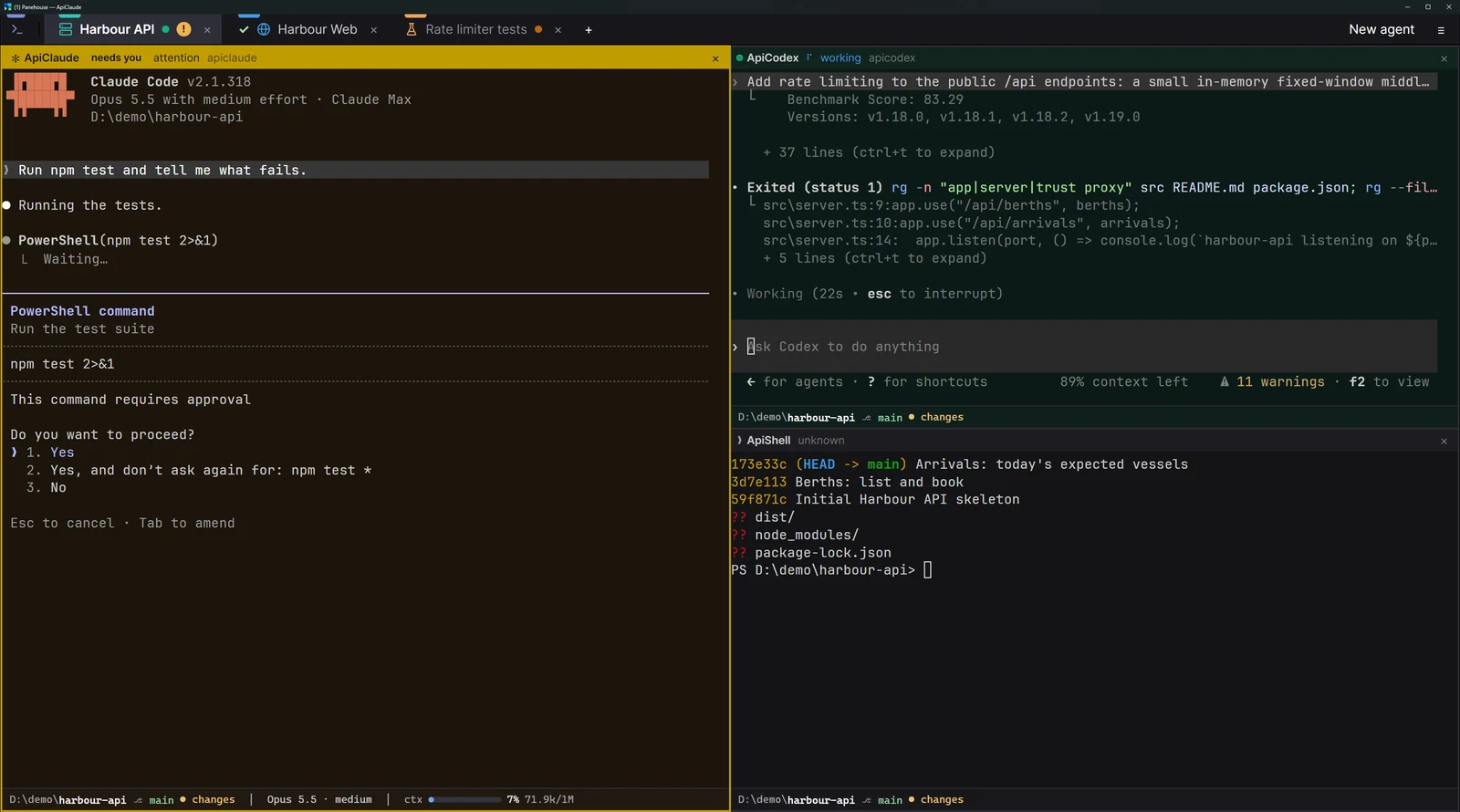
You don't have to look inside a tab to know what it's doing. A pulsing dot for each agent at work, in its colour; a tick when one finished while you were elsewhere; a badge when one is waiting on you.
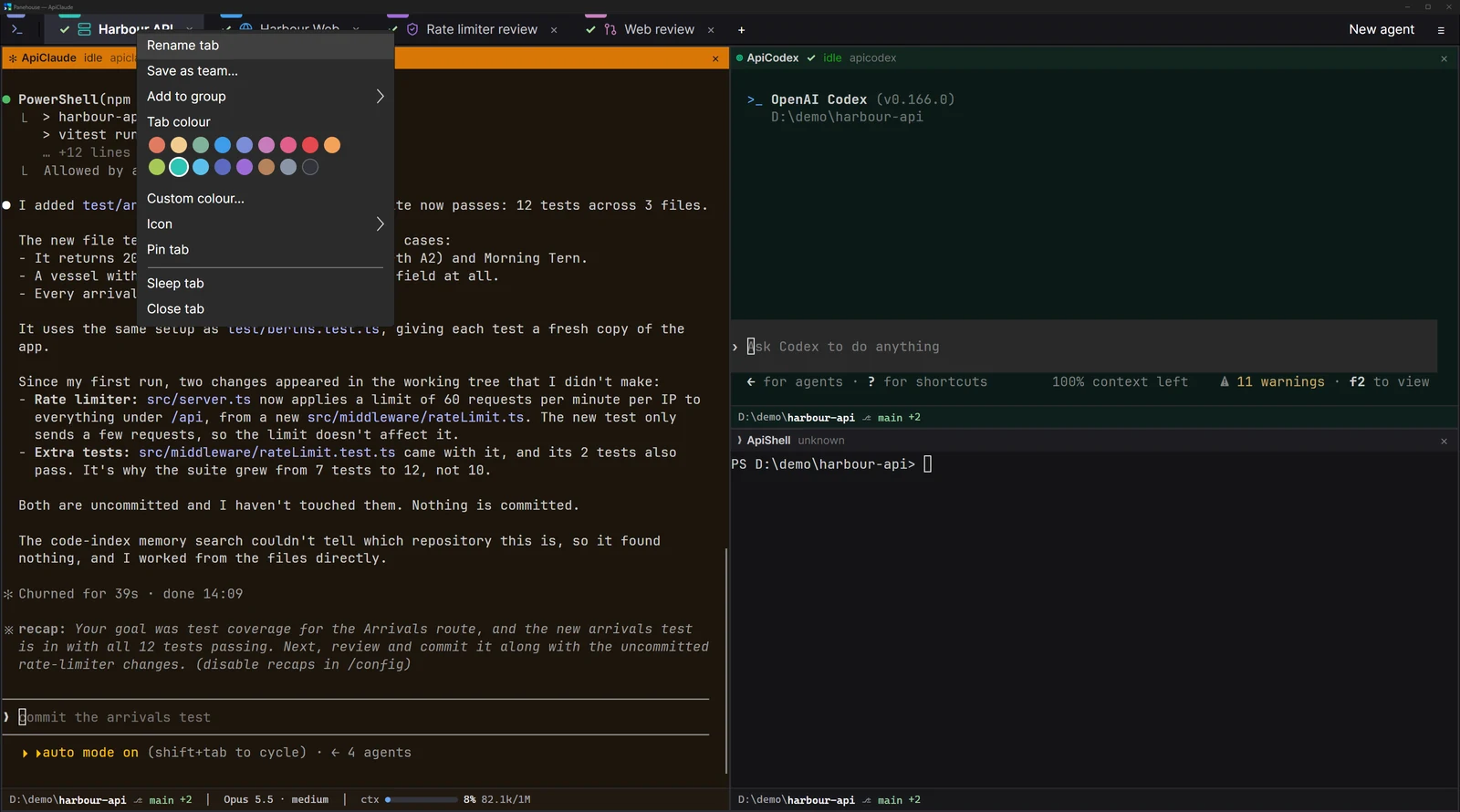
The layout is saved as you work. When Panehouse starts again, shells come back in their folders and agents come back one after another, each resuming its own conversation.
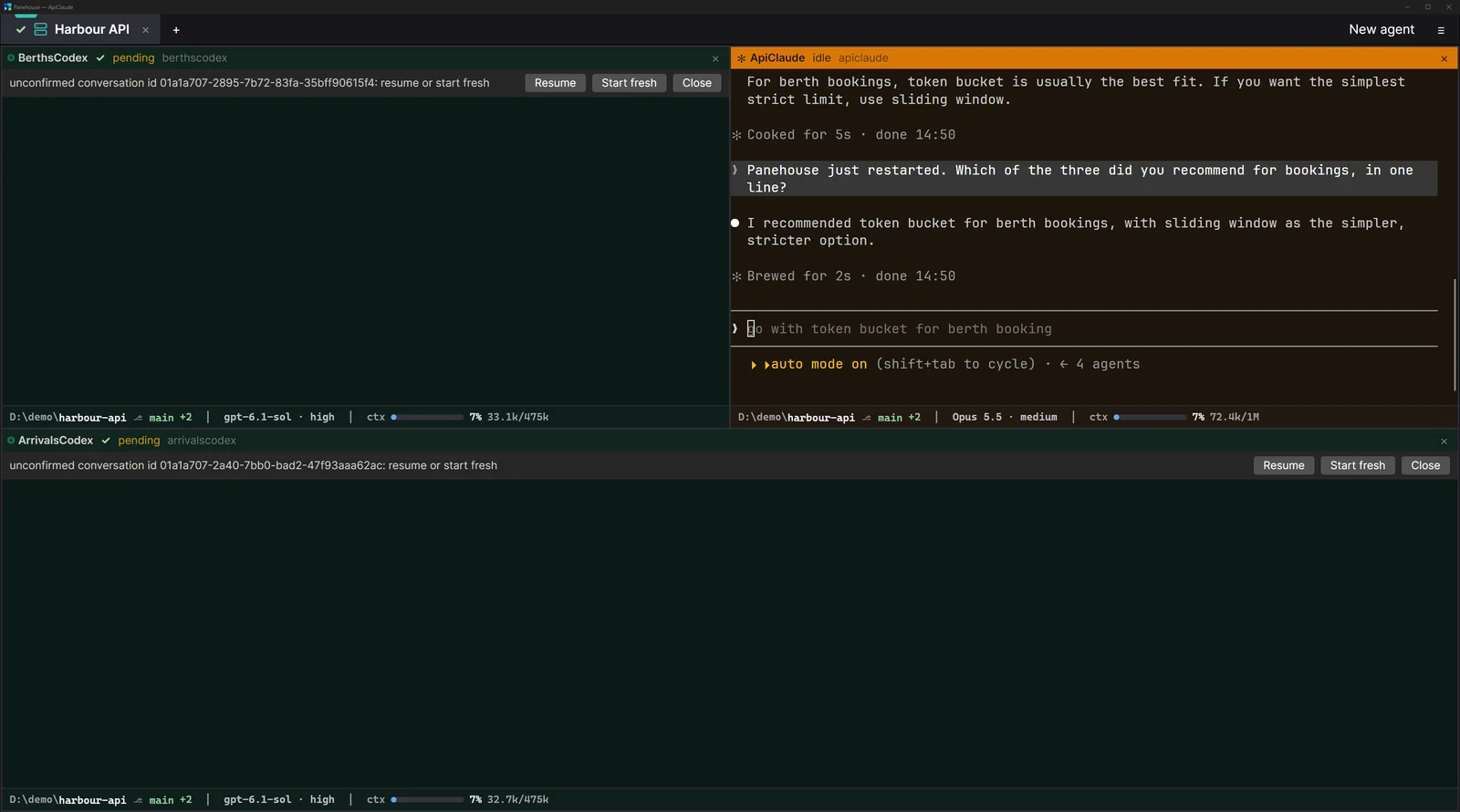
Every agent runs under a Switchboard name, so the others can message it. With ph, an agent can open a Codex beside itself, hand it a task, and wait until it's done.
ph spawn codex --right-of Lead --name Fixer
ph wait Fixer --state idle --timeout 10m
ph read Fixer --tail 40
ph team save "Bug Fixer"
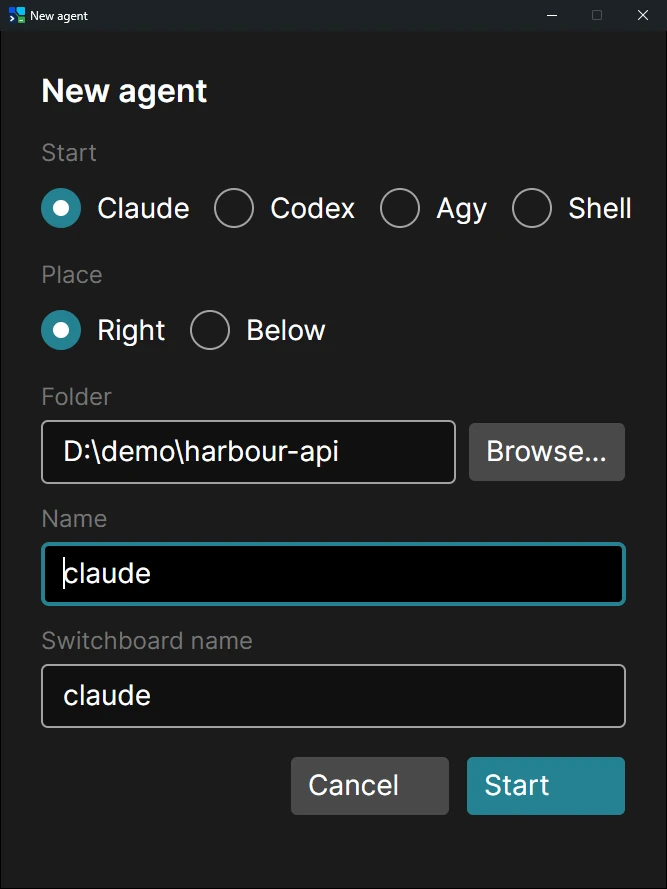
New agent (Ctrl+Shift+N) opens Claude, Codex, Agy or a shell to the right of or below the pane you're in, in the folder you choose. Or just type claude, codex or agy in a shell pane: within a second it becomes that agent.
The window takes only these; every other key goes to the terminal.
Download
It installs for you alone (no admin needed), puts ph on your PATH, and keeps itself up to date: new versions download in the background and the window offers Update and restart.